
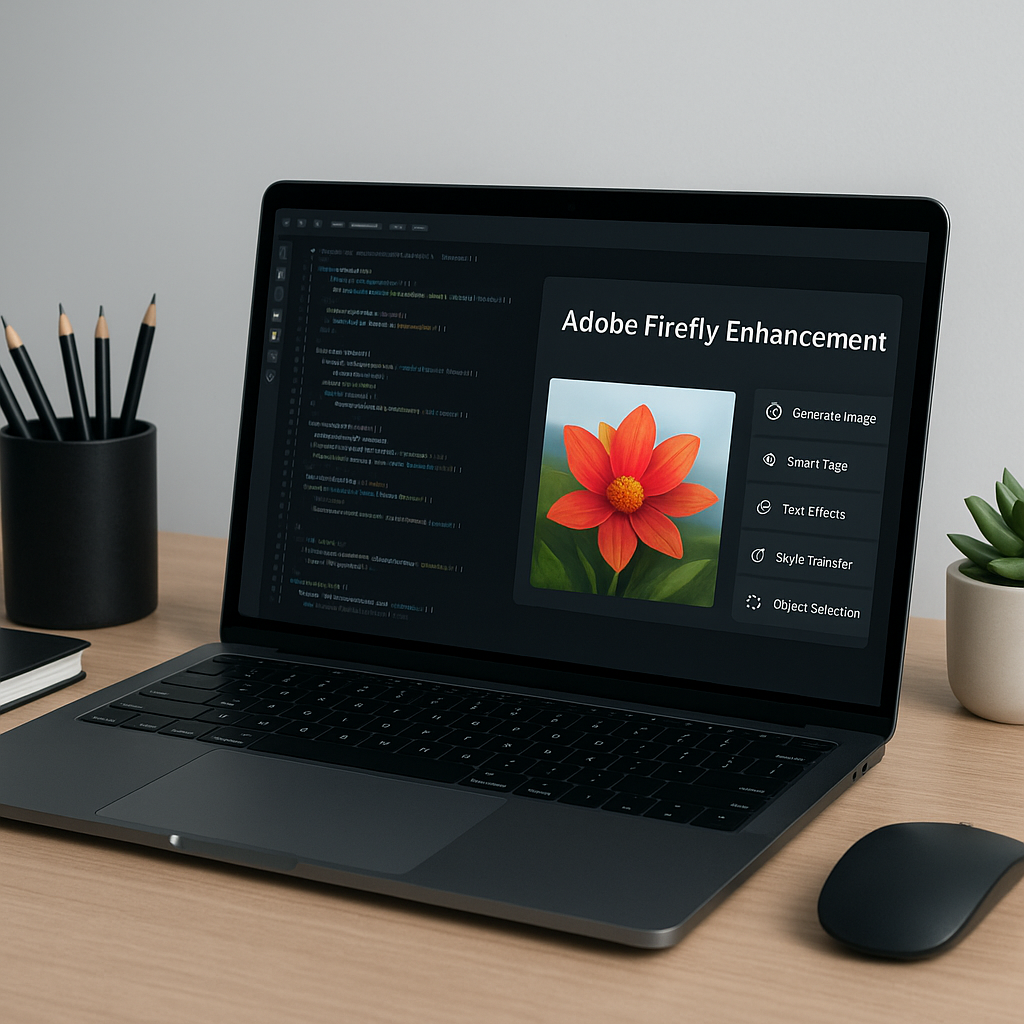
AI in Creative Software: Adobe Firefly Enhancements
AI integration in creative software is revolutionizing how developers and designers work. Adobe’s Firefly AI assistant is now being introduced into key applications like Premiere, Illustrator, and InDesign, enhancing productivity through innovative features. In this post, you’ll learn how these advancements can streamline workflows for developers and creative professionals alike.
What Is AI in Creative Software?
AI in creative software refers to the integration of artificial intelligence technologies to enhance creative processes, automate repetitive tasks, and improve overall productivity. Adobe’s Firefly AI assistant exemplifies this trend, offering features that allow users to generate brand kits, product videos, and storyboards. This technology not only simplifies complex workflows but also fosters creativity by enabling users to focus on higher-level tasks.
Why This Matters Now
The rise of AI in creative applications is fueled by the increasing demand for efficient tools that can handle complex tasks. With Adobe’s recent updates to Firefly, which now includes capabilities in Premiere, Illustrator, and InDesign, developers and designers are equipped to manage projects more effectively. As companies strive for rapid content creation, the integration of AI becomes critical. Supporting evidence for this trend can be found in Adobe’s aim to streamline tool usage, similar to the capabilities seen in platforms like Canva.
- Efficiency: Automating repetitive tasks allows for faster project completion.
- Creativity: AI-generated elements enhance creative possibilities.
- Collaboration: Shared resources and context improve team dynamics.
Technical Deep Dive
The technical advancements brought by Adobe’s Firefly AI assistant are substantial. Here’s a closer look at some of its new features and their underlying mechanisms:
- Brand Kits: Users can describe a brand or upload existing assets, allowing the AI to generate cohesive branding elements, including logos and color palettes.
- Video and Storyboard Generation: The assistant can create product videos from photographs and generate storyboards for video projects.
- Asset Management: In Premiere, features like batch renaming clips and sorting assets into bins streamline project organization.
Below is a sample code snippet demonstrating how to integrate Firefly for asset management in a project:
import firefly_api

# Initialize Firefly AI
firefly = firefly_api.initialize(api_key='your_api_key')

# Generate a brand kit
brand_kit = firefly.generate_brand_kit(description="Eco-friendly products")
print(brand_kit)
This code snippet shows how easy it is to utilize Firefly’s API for generating brand kits, making it a powerful tool for developers integrating AI into their workflows.
Real-World Applications
1. Video Production
Adobe Premiere users can leverage Firefly’s AI for automated video editing tasks, reducing the time spent on mundane activities. This is particularly beneficial in industries like advertising and media production where time is of the essence.
2. Graphic Design
In Illustrator, the AI can reorganize layers and check for missing fonts, allowing designers to focus on creativity rather than technical issues, enhancing productivity in design agencies.
3. Marketing Campaigns
With Firefly’s ability to create brand kits and storyboards, marketing teams can produce cohesive campaigns more efficiently, ensuring brand consistency across various platforms.
What This Means for Developers
For developers, understanding how to leverage AI tools like Firefly is essential. It opens opportunities to create plugins, extensions, or integrations that can further enhance the capabilities of Adobe products. Learning about the APIs and developing custom solutions will be valuable skills in the evolving landscape of creative software.
Pro Insight
💡 Pro Insight: As Adobe continues to integrate AI into its suite of tools, developers should focus on understanding user workflows and how AI can enhance those processes. The future lies in creating seamless integrations that not only automate tasks but also inspire creativity.
Future of AI in Creative Software (2025–2030)
Looking ahead, the integration of AI in creative software is expected to deepen, with advances in generative AI leading the charge. By 2030, we can anticipate AI tools becoming more intuitive, allowing for real-time collaboration and feedback across teams, regardless of location. Innovations may include enhanced predictive capabilities that can suggest design elements or editing techniques based on project context.
Moreover, as AI technology evolves, developers will need to stay abreast of ethical considerations and data privacy regulations, ensuring that their applications respect user data while still delivering powerful AI functionalities.
Challenges & Limitations
1. Data Privacy Concerns
As AI tools handle sensitive information, ensuring data security remains a significant challenge. Developers must implement robust security measures to protect user data.
2. Learning Curve
While AI tools aim to simplify processes, users may face a learning curve when adapting to new features. Ongoing training and support will be essential to maximize tool adoption.
3. Dependence on Technology
Relying heavily on AI can lead to diminished creative skills over time. Users should balance AI assistance with traditional methods to maintain their creative edge.
Key Takeaways
- Adobe’s Firefly AI enhances productivity across Premiere, Illustrator, and InDesign.
- AI features include asset management, brand kit generation, and storyboard creation.
- Developers can leverage Firefly’s API for custom integrations and enhancements.
- Understanding user workflows is crucial for effective AI tool implementation.
- Future developments will likely focus on real-time collaboration and ethical AI usage.
Frequently Asked Questions
What is Adobe Firefly AI?
Adobe Firefly AI is an assistant integrated into Adobe applications that automates tasks, generates creative assets, and enhances productivity for users in creative workflows.
How can Firefly AI assist in video production?
Firefly AI can automate tasks like sorting assets, renaming clips, and generating product videos, significantly speeding up the video production process.
What are the benefits of using AI in graphic design?
AI tools can streamline repetitive tasks, allowing designers to focus on creativity. They can also generate design elements like logos and brand kits based on user input.
For more insights on AI and developer news, follow KnowLatest.


