OpenAI Dots: Your Always-On Personal Assistant for Developers
OpenAI’s always-on personal assistant, known as “dots,” is designed to seamlessly integrate into daily workflows, enhancing productivity for developers and professionals alike. Recent developments reveal that this tool is the company’s response to the growing demand for intelligent AI assistants, as evidenced by the competitive landscape featuring offerings from companies like Instinct and Meta. In this post, we’ll explore how OpenAI has transformed its coding tools into a robust personal assistant, the implications for developers, and what to expect in the future.
What Is Dots?
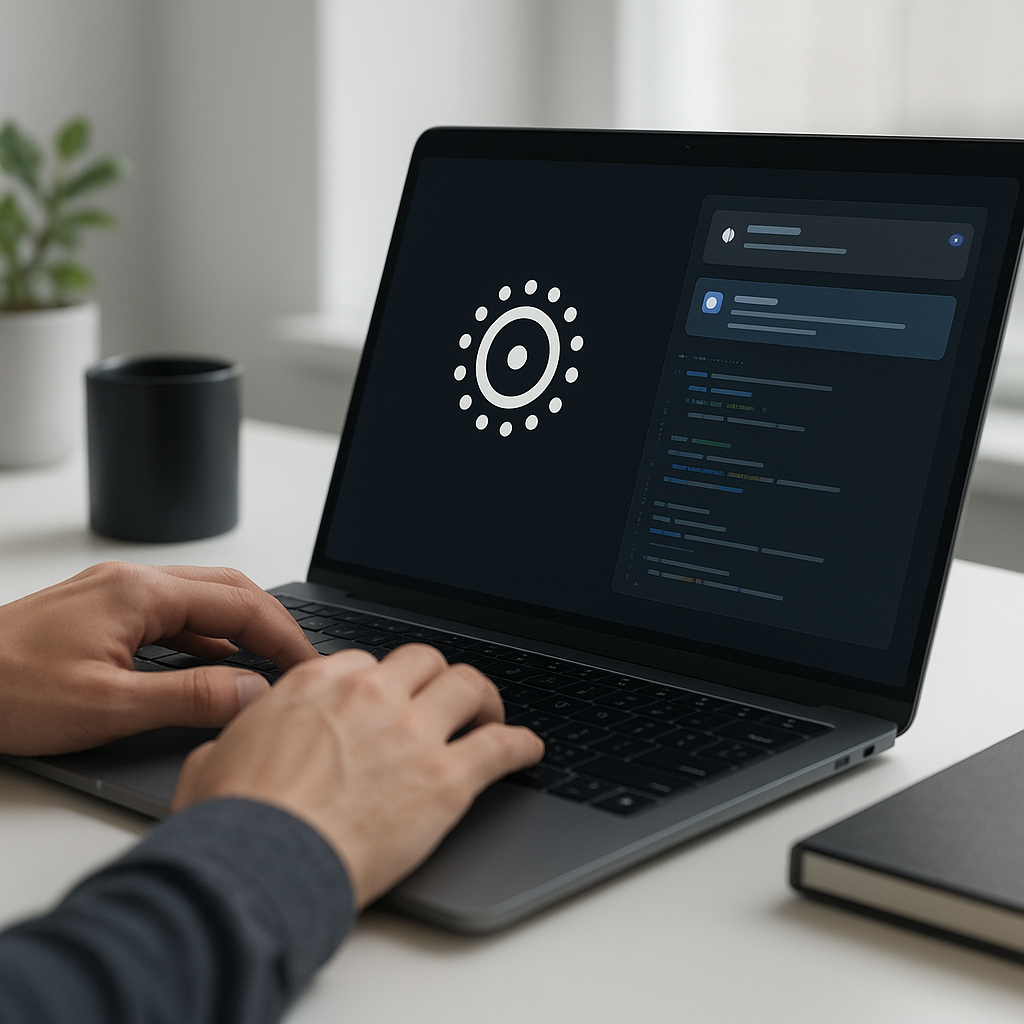
Dots refers to OpenAI’s latest personal assistant technology that operates continuously in the background to assist users without requiring constant prompts. This innovative tool builds on OpenAI’s existing coding functionalities, enabling developers to streamline their workflows by automating tasks and providing real-time support. As organizations increasingly seek to leverage AI in daily operations, dots represents a significant step forward in making AI assistance intuitive and accessible.
Why This Matters Now
The rise of AI-powered personal assistants like OpenAI’s dots highlights a critical shift in how developers and businesses approach productivity. As noted by Alexander Embiricos, who leads OpenAI’s enterprise product team, the growing trend of integrating AI into everyday tasks signals a demand for tools that enhance rather than disrupt workflow. Companies like Instinct and Meta are also exploring this space, emphasizing the need for developers to adopt AI solutions that can keep pace with these advancements.
With the increasing complexity of tasks in software development, having an always-on assistant can mitigate cognitive load and enhance efficiency. The competitive landscape further necessitates that developers understand how to effectively leverage such tools to remain productive and innovative.
Technical Deep Dive
Dots leverages OpenAI’s cutting-edge models to provide a range of functionalities that can transform the way developers interact with their tools. By connecting to calendars, emails, and other applications, dots acts proactively—flagging tasks and deadlines before the user even realizes they need assistance.
Here’s a simplified overview of how to integrate dots into your workflow:
- Setup: Ensure you have a subscription to OpenAI’s Pro tier, which includes access to dots.
- Integration: Connect dots to your calendar and email applications. This can typically be done through an API interface.
- Configuration: Customize the settings to determine what tasks you want the assistant to monitor and how proactive you want it to be.
- Usage: Start using dots in your daily tasks, and monitor its suggestions and notifications.
For developers familiar with OpenAI’s Codex, much of the functionality of dots can be achieved through coding. For example, a simple integration might look like this:
import openai

def connect_dots(api_key):
    openai.api_key = api_key
    dots_assistant = openai.ChatCompletion.create(
        model="gpt-4",
        messages=[{"role": "user", "content": "Help me manage my tasks."}]
    )
    return dots_assistant
This code snippet demonstrates how to initialize a connection to the dots assistant using OpenAI’s API. Developers can extend this to automate various tasks based on their specific needs.
Real-World Applications
1. Project Management
In project management, dots can help teams automate scheduling, track deadlines, and remind team members of important meetings or tasks, significantly reducing administrative overhead.
2. Software Development
For developers, dots can assist in code reviews, suggest improvements, and even provide snippets of code based on contextual understanding of the project, enhancing overall coding efficiency.
3. Customer Support
Businesses can leverage dots to streamline customer support operations by automating responses to common queries, allowing human agents to focus on more complex issues.
4. Personal Productivity
Individuals can utilize dots for personal task management, ensuring they never miss deadlines and can prioritize work effectively.
What This Means for Developers
The advent of dots signifies a transformative shift in how developers should approach their workflows. Embracing this technology means learning to integrate AI tools into daily practices effectively. Developers should focus on:
- Understanding API integrations and how to customize AI tools to fit specific project needs.
- Staying updated on the latest advancements in AI that can enhance productivity.
- Adopting a mindset of collaboration with AI, using it as a tool to augment human capabilities rather than replace them.
💡 Pro Insight: As AI personal assistants like dots evolve, developers will need to rethink their workflows to fully leverage these tools. The future of work will likely depend on how well we can integrate AI into our daily tasks, enhancing not just productivity but also creativity.
Future of Dots (2025–2030)
Looking ahead, the future of dots and similar AI personal assistants appears promising. By 2025, we can expect significant advancements in AI’s ability to understand context and predict user needs, which will lead to even more proactive assistance. This will not only improve the timeliness of alerts but also enhance the overall user experience.
Furthermore, as AI technology continues to evolve, we may see integrations with more complex systems, allowing dots to function across various platforms seamlessly. This could result in a more unified and efficient workflow for developers, where AI acts as a central hub for managing tasks across different applications and environments.
Challenges & Limitations
1. Dependence on Accurate Data
For dots to function effectively, it requires access to accurate and timely data. If the underlying data is flawed, the assistance provided will also be compromised.
2. Privacy Concerns
As with any AI assistant, there are significant privacy concerns regarding the data that is shared. Developers need to ensure that sensitive information is handled properly to avoid breaches.
3. Integration Challenges
While dots aims to integrate seamlessly with various platforms, differences in APIs and application architectures can present challenges during implementation.
4. User Adaptation
Users may initially struggle to adapt to an always-on assistant, particularly if they are accustomed to more traditional task management methods.
Key Takeaways
- OpenAI’s dots represents a significant evolution in AI personal assistant technology.
- Proactive assistance can enhance productivity for developers and professionals alike.
- Integrating dots requires understanding API and customization capabilities.
- Future advancements will likely lead to more intuitive and effective AI assistants.
- Challenges such as data accuracy and privacy must be addressed for effective implementation.
Frequently Asked Questions
What is OpenAI’s dots?
OpenAI’s dots is an always-on personal assistant designed to help users manage tasks and deadlines by integrating with various tools and applications.
How can developers use dots in their workflows?
Developers can integrate dots by connecting it to their calendars and emails, allowing it to automate task management and provide real-time support.
What are the future prospects for AI personal assistants?
The future of AI personal assistants like dots looks promising, with advancements expected to enhance their context awareness and proactive assistance capabilities.
For more insights on AI tools and development strategies, follow KnowLatest.