AI Dictation Tools: Granola vs. Wispr
AI dictation tools refer to software that converts spoken language into written text, enabling users to capture ideas and notes more efficiently. Recently, Granola has introduced a dictation feature to its meeting notetaking application, aiming to compete with Wispr, which has similarly expanded its offerings. In this article, we will explore the implications of these developments and how they can impact developers and AI practitioners.
What Is AI Dictation?
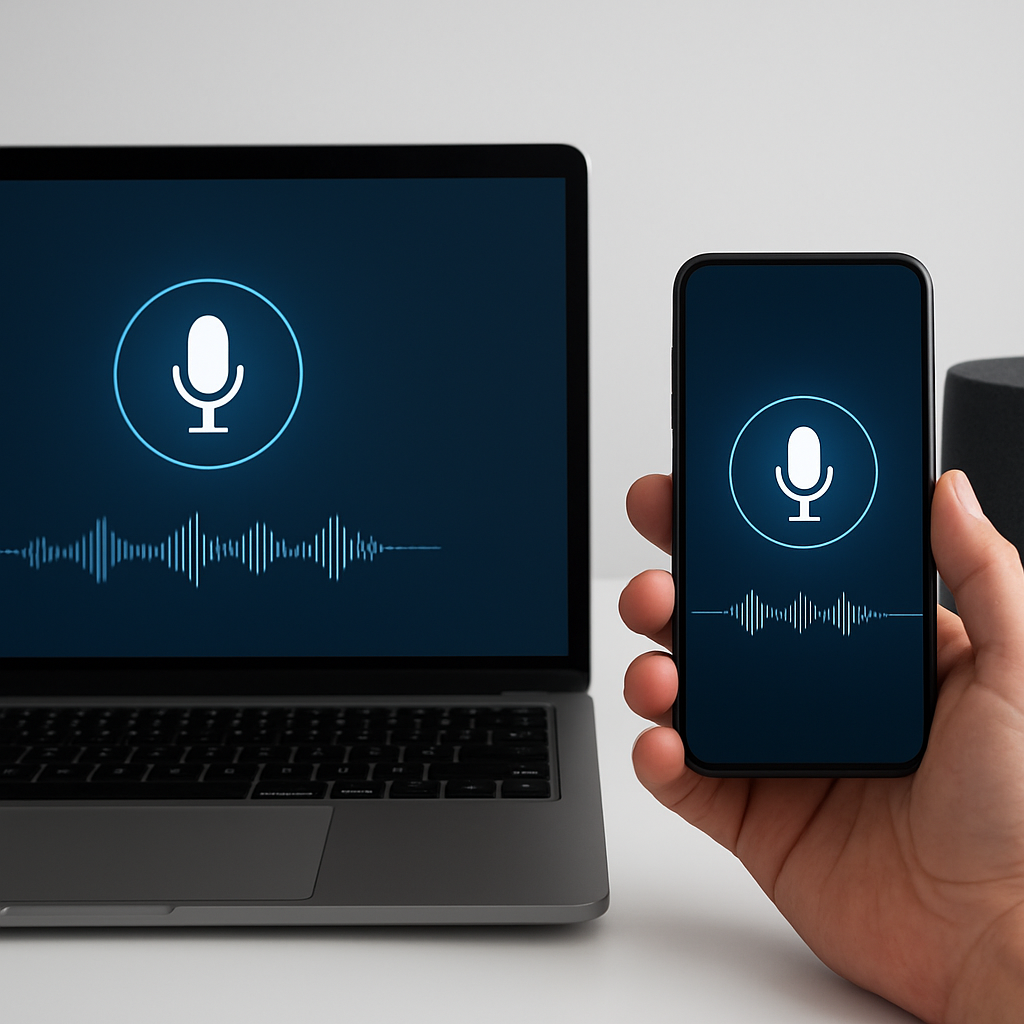
AI dictation refers to the use of artificial intelligence technology to transcribe spoken language into written text automatically. This functionality is essential for enhancing productivity, especially in environments where note-taking is crucial, such as meetings and lectures. Granola’s recent upgrade, which integrates dictation into its existing notetaking features, represents a significant shift in how voice AI applications can leverage each other’s strengths.
Why This Matters Now
The competitive landscape for voice AI applications is rapidly evolving, with companies like Granola and Wispr expanding their functionalities to better serve user needs. This trend is driven by the increasing demand for tools that facilitate seamless communication and documentation in various sectors, including corporate, educational, and creative industries. Developers should care about this shift as it signals a movement towards more integrated and multifunctional applications, allowing for streamlined workflows and enhanced user experiences.
Technical Deep Dive
The integration of dictation capabilities into applications like Granola involves several technical mechanisms:
- Speech Recognition: Granola utilizes natural language processing (NLP) and machine learning algorithms to convert spoken words into text. This includes techniques like phoneme recognition and language modeling.
- Real-time Processing: The dictation feature processes audio input in real-time, allowing users to see their words transcribed instantly. This is achieved through optimized audio streaming and processing libraries.
- Cross-Platform Compatibility: The dictation feature is designed to work across various applications, enabling users to dictate notes, prompts, and replies in different software environments.
import speech_recognition as sr

# Initialize recognizer
recognizer = sr.Recognizer()

# Record the audio
with sr.Microphone() as source:
    print("Please speak:")
    audio = recognizer.listen(source)

# Recognize speech using Google Web Speech API
try:
    text = recognizer.recognize_google(audio)
    print("You said: " + text)
except sr.UnknownValueError:
    print("Sorry, I could not understand the audio.")
except sr.RequestError:
    print("Could not request results from the service.")
This code snippet demonstrates a basic implementation of speech recognition using Python. It captures audio input from the microphone and converts it to text using Google’s speech recognition service, a method that could underlie similar functionalities in Granola’s dictation feature.
Real-World Applications
1. Corporate Meetings
Granola’s dictation feature can streamline note-taking during corporate meetings by allowing users to dictate action items and decisions, improving efficiency and reducing the potential for errors in manual transcription.
2. Educational Settings
In educational environments, teachers can use dictation tools to create transcripts of lectures, making it easier for students to review material and enhancing accessibility for differently-abled learners.
3. Creative Writing
Writers can leverage dictation features to capture ideas and drafts on-the-go, facilitating a more fluid creative process without the interruption of typing.
4. Customer Support
Customer support agents can utilize dictation tools to quickly document customer interactions, ensuring accurate records and faster response times.
What This Means for Developers
Developers working on voice AI applications should consider enhancing their platforms with integrated dictation functionalities to stay competitive. Learning how to implement NLP techniques and understanding the architecture behind real-time audio processing will be crucial skills moving forward. Moreover, embracing cross-platform compatibility will allow applications to cater to a wider audience.
💡 Pro Insight: The convergence of dictation and notetaking features in applications like Granola and Wispr illustrates a growing trend toward multifunctionality in voice AI tools. As competition intensifies, developers who focus on seamless integration and user-centric design will likely lead the market.
Future of AI Dictation (2025–2030)
Looking ahead, AI dictation is expected to evolve significantly, with advancements in machine learning algorithms leading to improved accuracy and context understanding. By 2030, we may see dictation tools that can not only transcribe but also summarize and highlight key points from conversations in real-time, providing users with actionable insights.
Furthermore, as voice recognition technology becomes more sophisticated, the potential for voice-activated applications across various sectors, including healthcare and finance, will likely expand, creating new opportunities for developers and businesses alike.
Challenges & Limitations
1. Accuracy Issues
Despite improvements, speech recognition technology can still struggle with accents, background noise, and specialized vocabulary, leading to inaccuracies in transcription.
2. Privacy Concerns
Dictation tools often require users to send audio data to cloud services for processing, raising concerns over data privacy and security. Developers must navigate these challenges to build trustworthy applications.
3. Integration Complexity
Integrating dictation features into existing applications can be technically challenging, requiring developers to ensure compatibility across various operating systems and platforms.
4. User Adoption
While dictation tools offer efficiency, some users may be resistant to adopting new technologies, preferring traditional methods of note-taking. Overcoming this inertia is essential for widespread adoption.
Key Takeaways
- AI dictation tools enhance productivity by converting speech into text, streamlining workflows across various industries.
- Granola’s new dictation feature exemplifies the trend of multifunctionality in voice AI applications.
- Developers must prioritize accuracy, privacy, and integration when designing dictation tools.
- Future advancements in technology will likely lead to more intelligent and context-aware dictation capabilities.
- The convergence of dictation and notetaking features in applications signals a shift in user expectations and market competition.
Frequently Asked Questions
What is AI dictation?
AI dictation is the technology that converts spoken language into written text through voice recognition and natural language processing, often used in applications for note-taking and transcription.
How does Granola’s dictation feature work?
Granola’s dictation feature allows users to press the “Fn” key and start speaking. The tool then cleans up and formats their speech, posting the final text across various applications.
What industries can benefit from AI dictation?
Industries such as corporate, education, healthcare, and customer support can benefit significantly from AI dictation tools, enhancing efficiency and accessibility in their workflows.
For more insights on AI and developer tools, follow KnowLatest for the latest updates.