
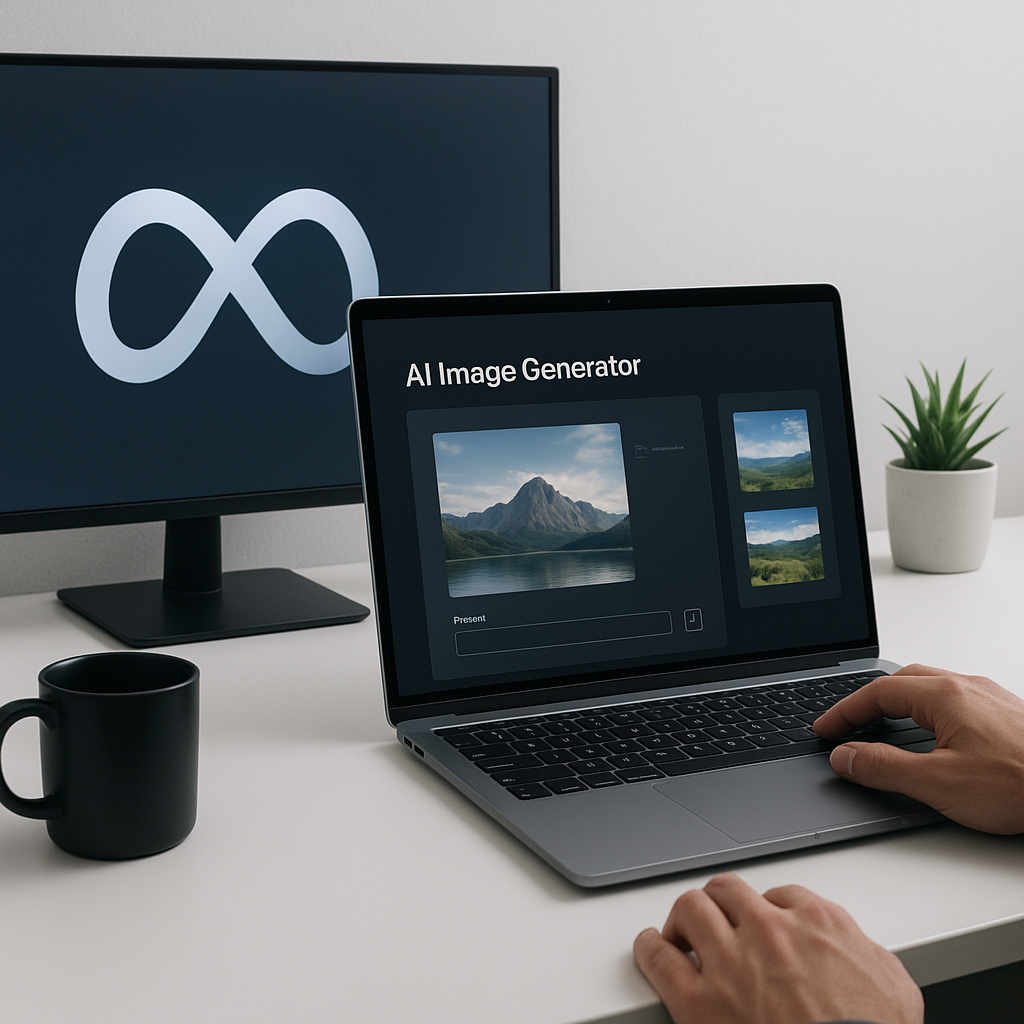
Harnessing Muse: Meta’s New AI Image Generator
AI image generators are tools that allow users to create images through textual prompts. Recently, Meta has unveiled its new AI image generator, Muse, which aims to provide innovative solutions for various applications, including advertising and content creation. In this post, you’ll learn about Muse’s capabilities, real-world applications, and what this means for developers in the AI landscape.
What Is Muse?
Muse is an AI image generator developed by Meta, designed to create images based on textual prompts. It leverages advanced machine learning techniques to produce high-quality images that cater to various use cases, including advertising and interior design. As AI continues to evolve, tools like Muse are pivotal in enhancing creativity and streamlining workflows for developers and content creators.
Why This Matters Now
The introduction of Muse is significant due to the growing demand for AI-driven content creation tools. With businesses increasingly relying on digital marketing and social media, the need for engaging visuals has skyrocketed. Muse not only provides an avenue for creative expression but also integrates seamlessly with Meta’s ecosystem, including platforms like Instagram and WhatsApp. Developers should be aware of these trends as they shape how content is produced and consumed in the digital landscape.
Technical Deep Dive
Muse operates using a complex neural network architecture that interprets textual prompts to generate corresponding images. The model is designed to enhance user experience by providing options for custom prompts and presets, allowing both novice and experienced users to create unique visuals.
Here’s a breakdown of the functionality:
- Prompt-Based Generation: Users can input simple text prompts to generate images. For example, a user might type “a cozy living room” and receive a variety of generated images that match this description.
- Presets: Muse includes prefabricated prompts to inspire users who might struggle with creativity. This feature helps kickstart the creative process.
- Editing Capabilities: Beyond generation, Muse offers editing functionalities, enabling users to modify existing images. For instance, users can clean up backgrounds, add elements, or create QR codes through custom prompts.
Here’s a simple Python snippet demonstrating how a developer might interact with Muse’s API for image generation:
import requests

# API endpoint for Muse
url = "https://api.meta.com/muse/generate"

# Sample prompt
data = {
    "prompt": "a futuristic city skyline",
    "style": "photorealistic"
}

# Making a POST request to generate the image
response = requests.post(url, json=data)

if response.status_code == 200:
    image_url = response.json().get('image_url')
    print(f"Generated Image URL: {image_url}")
else:
    print("Error generating image")
This code snippet provides a foundation for developers to integrate Muse’s capabilities into their applications, whether for marketing, content creation, or personal projects.
Real-World Applications
1. Advertising Campaigns
Developers can leverage Muse to create visually compelling ads tailored to specific audiences. By inputting targeted prompts, brands can generate creative visuals that resonate with their target demographics.
2. Interior Design
Muse can assist interior designers by allowing them to visualize furniture arrangements and decor styles. By integrating with platforms like Facebook Marketplace, designers can showcase potential layouts to clients before making purchases.
3. Content Creation for Social Media
Content creators can use Muse to generate unique images for their posts, enhancing their online presence and engagement. The quick turnaround on image generation allows for timely content updates.
4. Custom Merchandise Design
Entrepreneurs can create custom designs for merchandise using Muse, simplifying the process of generating artwork for products like t-shirts, mugs, and posters.
What This Means for Developers
As AI image generation becomes more integrated into various platforms, developers should consider how tools like Muse can enhance their applications. Familiarity with AI APIs will be essential for creating innovative solutions that leverage these advancements.
- Developers should explore how to integrate Muse’s API into their applications for enhanced user experiences.
- Understanding prompt engineering is crucial for maximizing the quality of generated content.
- Familiarize yourself with the ethical implications of AI-generated content to ensure responsible usage.
💡 Pro Insight: The rise of AI tools like Muse will redefine content creation, pushing developers to innovate continuously and adapt to rapidly changing user needs and preferences.
Future of Muse (2025–2030)
Looking ahead, Muse is likely to evolve significantly, with enhancements in image quality and the introduction of video generation capabilities, as hinted by Meta’s plans for Muse Video. Developers should anticipate more robust features, such as improved customization options and integration with AR/VR platforms, allowing for immersive experiences.
By 2030, we may see Muse and similar tools become standard in content creation workflows, particularly as businesses increasingly automate creative processes. Developers who adapt to these trends will be well-positioned to lead in the evolving landscape of AI-driven content generation.
Challenges & Limitations
1. Quality Control
While Muse offers impressive capabilities, the quality of generated images can vary. Users may encounter inconsistencies in image outputs, necessitating further editing.
2. Ethical Concerns
The use of AI-generated content raises ethical questions, especially regarding copyright and originality. Developers must navigate these challenges carefully to avoid potential legal issues.
3. Integration Complexity
Integrating Muse with existing applications may pose challenges, particularly in terms of ensuring seamless user experiences and managing API calls effectively.
4. Cost Implications
While Muse is initially free, users may need to subscribe for extensive use, which could impact budget considerations for small businesses and individual developers.
Key Takeaways
- Muse is a powerful AI image generator by Meta, designed for various creative applications.
- It features prompt-based generation, presets for inspiration, and image editing capabilities.
- Real-world applications include advertising, interior design, and content creation for social media.
- Developers should familiarize themselves with AI APIs and ethical considerations surrounding AI-generated content.
- Future enhancements may include video generation and improved integration with immersive technologies.
Frequently Asked Questions
What is Muse used for?
Muse is used for generating images based on textual prompts. It caters to various applications, including advertising, content creation, and interior design.
How does Muse work?
Muse leverages advanced machine learning algorithms to interpret user prompts and generate corresponding images, offering features like presets and editing tools.
Is Muse free to use?
Muse is free for everyday creation; however, users may need to subscribe for extensive use beyond a certain limit.
For developers looking to stay updated on the latest in AI and technology, follow KnowLatest for more insights and articles.


