
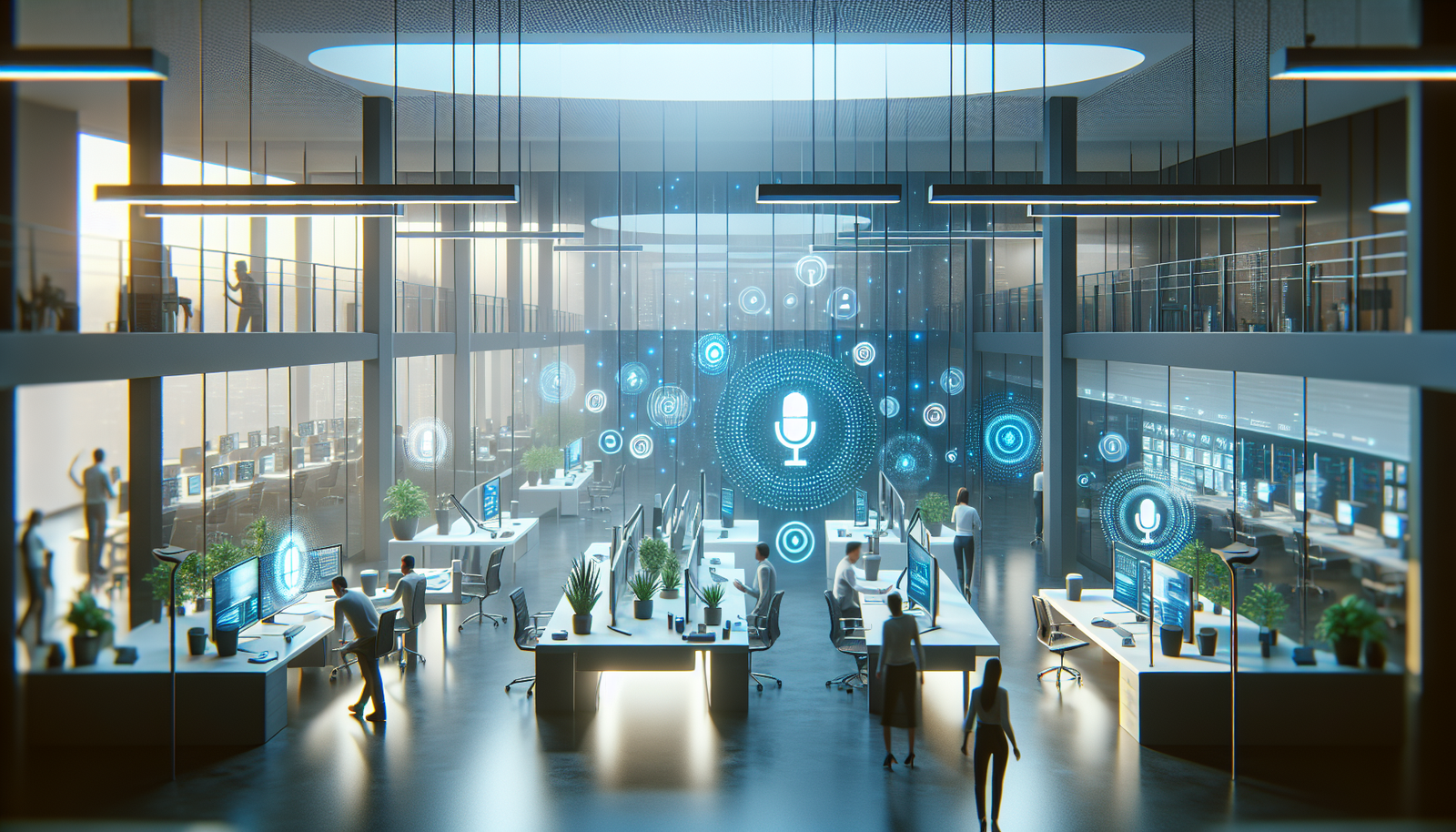
Whisper-Filled Offices: The Future of Voice Interaction
“`html
Voice-activated interfaces are transforming how we interact with technology, leading to what we can refer to as “whisper-filled offices.” This change is highlighted by the rise of dictation applications like Wispr, which facilitate seamless communication with devices. In this article, we’ll explore how these advancements are reshaping workplace dynamics and what developers should consider as they adapt to this new era.
What Is a Whisper-Filled Office?
A whisper-filled office refers to a workplace environment increasingly reliant on voice-activated technologies for communication and productivity. This concept is gaining traction as tools like Wispr facilitate hands-free dictation and interactions with devices. The significance of this shift is underscored by the evolving nature of workplace etiquette, as employees adapt to new norms of communication.
Why This Matters Now
The surge in remote work and the reliance on technology during the pandemic have accelerated the adoption of voice interfaces. With more professionals engaging in virtual environments, understanding how to interact effectively with AI-driven tools is critical. The rise of whisper-filled offices is not merely about convenience; it addresses the need for a more fluid and less disruptive working atmosphere. As noted in a recent article by TechCrunch, this trend could redefine office etiquette and productivity standards.
Developers should be aware of these changes as they create applications that integrate voice recognition and AI functionalities. Tools that facilitate this seamless interaction will become increasingly valuable.
Technical Deep Dive
Implementing voice-activated interfaces in office environments requires understanding the underlying technologies. Here, we will discuss the architecture and methods to integrate these tools effectively.
Integrating Voice Recognition APIs
To create applications that support voice commands, developers can use voice recognition APIs such as Google Cloud Speech-to-Text or IBM Watson Speech to Text. Here’s a simple implementation using Python and the Google API:
import os
from google.cloud import speech_v1p1beta1 as speech

def transcribe_audio(file_path):
    client = speech.SpeechClient()
    with open(file_path, "rb") as audio_file:
        content = audio_file.read()

    audio = speech.RecognitionAudio(content=content)
    config = speech.RecognitionConfig(
        encoding=speech.RecognitionConfig.AudioEncoding.LINEAR16,
        sample_rate_hertz=16000,
        language_code="en-US",
    )

    response = client.recognize(config=config, audio=audio)

    for result in response.results:
        print("Transcript: {}".format(result.alternatives[0].transcript))

# Example usage
transcribe_audio("path/to/audio/file.wav")
This code snippet demonstrates how to transcribe audio files using Google’s Speech-to-Text service. Developers can adapt this code to build applications that convert speech to text in real-time, enhancing productivity in whisper-filled offices.
Creating Voice-Activated Features
Once voice recognition is integrated, developers can enhance user experience by adding features such as task management and note-taking directly via voice commands. For instance:
- Enable users to create calendar events through voice prompts.
- Develop note-taking applications that respond to dictation.
- Integrate with project management tools to update tasks via voice commands.
Data Storage and Processing
To support these applications, developers should consider how data is stored and processed. Utilizing cloud services like AWS Lambda or Google Cloud Functions allows scalability and efficient processing of voice data.
Real-World Applications
1. Customer Support Centers
In customer support environments, voice-activated tools can streamline interactions. Agents can dictate responses while accessing customer information, improving efficiency and response times.
2. Healthcare Sector
Healthcare professionals can benefit significantly from dictation tools, allowing them to update patient records hands-free while maintaining focus on patient care.
3. Creative Industries
In fields like content creation and journalism, writers can dictate articles, enhancing productivity and enabling multitasking during brainstorming sessions.
What This Means for Developers
As workplaces evolve, developers must focus on building applications that support voice interaction effectively. Key areas to explore include:
- Understanding user experience design for voice interfaces.
- Implementing robust speech recognition algorithms that adapt to different accents and dialects.
- Creating applications that minimize background noise interference for clearer dictation.
💡 Pro Insight
💡 Pro Insight: As voice recognition continues to mature, developers should prioritize creating adaptive technologies that learn from user interactions. This will enhance accuracy and usability, ultimately leading to more productive whisper-filled offices.
Future of Whisper-Filled Offices (2025–2030)
Looking ahead, whisper-filled offices are likely to become the norm. By 2025, we can expect significant advancements in voice recognition accuracy and responsiveness, allowing for more natural conversations with machines. Additionally, integration with augmented reality (AR) and virtual reality (VR) technologies will provide immersive experiences where voice commands can control environments in real time.
Furthermore, as organizations embrace hybrid work models, voice-activated tools will facilitate smoother transitions between remote and in-office setups. Developers who invest in these technologies will be at the forefront of this transformation, leading to innovative applications that redefine workplace productivity.
Challenges & Limitations
1. Privacy Concerns
As voice data is processed, concerns regarding data privacy and security arise. Developers must implement stringent data protection measures to ensure compliance with regulations.
2. Background Noise Interference
In open office environments, background noise can hinder the effectiveness of voice recognition tools. Developers should focus on creating solutions that filter out ambient sounds.
3. User Acceptance
Changing workplace habits can be challenging. Some employees may resist adopting voice technologies due to discomfort or privacy concerns. Effective training and gradual integration can help mitigate this resistance.
Key Takeaways
- Whisper-filled offices represent a significant shift in workplace communication, driven by voice-activated technologies.
- Developers must focus on integrating robust speech recognition capabilities into applications.
- Voice-activated tools have promising applications in customer support, healthcare, and creative industries.
- Privacy and background noise remain key challenges that developers need to address.
- Future advancements in voice technology will redefine workplace productivity and interaction.
Frequently Asked Questions
What are whisper-filled offices?
A whisper-filled office is a workplace that primarily relies on voice-activated technologies for communication, leading to a more fluid and less disruptive environment.
How do voice-activated tools improve productivity?
These tools enable hands-free communication, allowing users to manage tasks, take notes, and access information without interrupting their workflow.
What challenges do developers face with voice technologies?
Developers face challenges such as privacy concerns, background noise interference, and user acceptance when integrating voice technologies into applications.
For more insights on AI and technology trends, follow KnowLatest for the latest updates.
“`


