
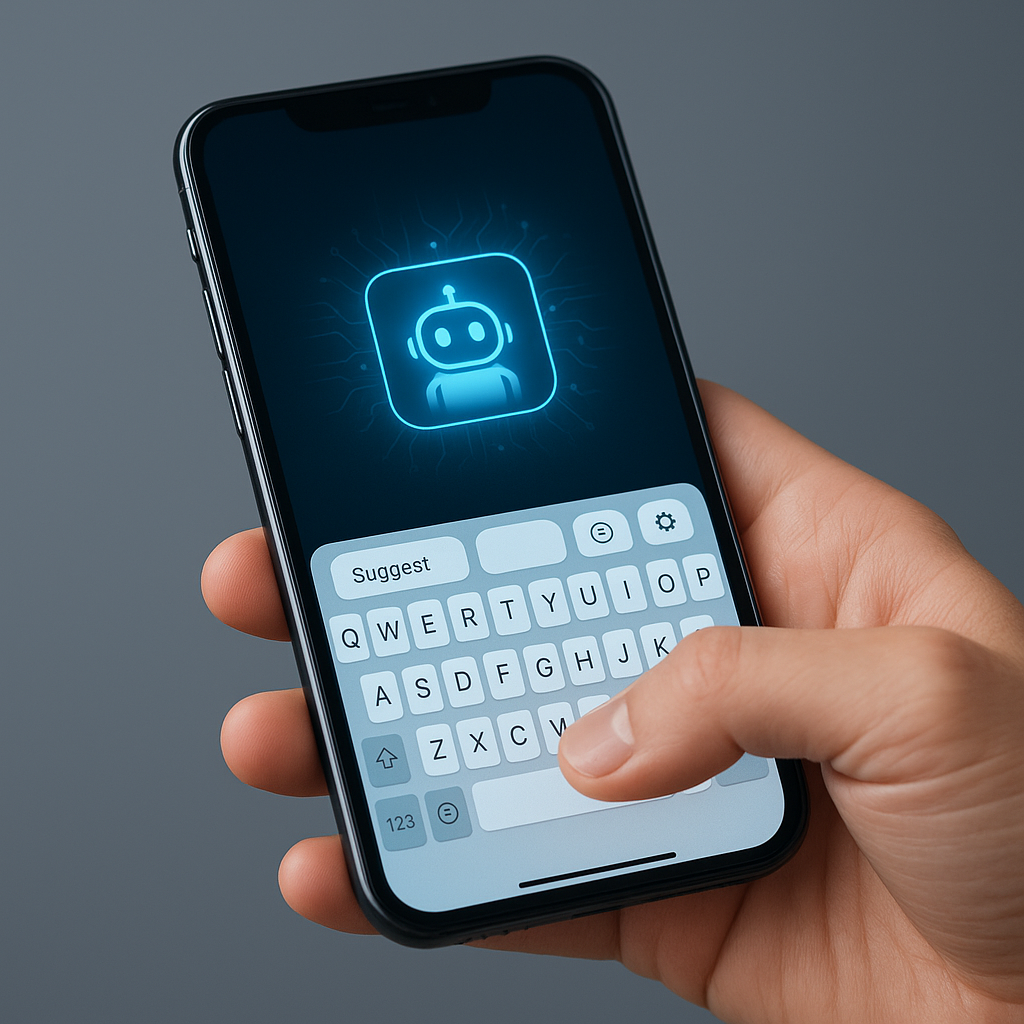
AI Agents in Smartphone Keyboards: Transforming User Experience
AI agents in smartphone keyboards refer to the integration of artificial intelligence directly into the user interface of mobile keyboards, enhancing user interaction with contextual suggestions and automated actions. Recently, the startup Acti launched a unique keyboard for iOS and Android that leverages AI capabilities across various applications. In this post, we will explore how this innovative approach transforms user experience and what it means for developers looking to integrate AI into mobile applications.
What Is AI Agents in Smartphone Keyboards?
AI agents in smartphone keyboards refer to an advanced integration of artificial intelligence within mobile keyboard applications, allowing users to perform tasks and receive suggestions directly while typing. This concept is becoming increasingly relevant as developers seek innovative ways to enhance user engagement and streamline workflows. With the introduction of Acti’s keyboard, users can experience a seamless blend of communication and AI-driven assistance, making it a pivotal moment for mobile application development.
Why This Matters Now
The rise of AI in everyday tools like smartphone keyboards represents a significant shift in user experience design. As noted by Young Wang, founder of Acti, traditional AI agents limit users due to fragmented contexts across multiple applications. This keyboard integrates AI into a single interface, enabling quicker responses and actions without switching between apps. Developers should care about this trend as it highlights the importance of context-aware applications and encourages the creation of tools that enhance productivity and user satisfaction.
Technical Deep Dive
Acti’s keyboard is built upon Google’s Gemini models, chosen for their intelligence, speed, and multilingual capabilities. The integration allows users to create custom shortcuts termed “Skills,” which can automate multi-step tasks. Here’s how developers can implement a similar functionality:
def create_shortcut(key, action):
    """
    Create a custom keyboard shortcut that triggers an action.

    Parameters:
    key (str): The key to be used for the shortcut.
    action (function): The action to be executed when the shortcut is triggered.
    """
    shortcuts[key] = action

def translate_message(message):
    # Integration with translation API
    translated = call_translation_api(message)
    return translated

# Example usage
create_shortcut('T', translate_message)
This code snippet demonstrates how to define a function for creating shortcuts that trigger actions like translating messages. The integration of such functionalities can greatly enhance user interaction with mobile applications.
Key Features of Acti’s AI Keyboard
- Context Layer: Operates across various applications to maintain user context.
- Custom Skills: Users can program specific keys to execute complex tasks.
- Privacy-Centric Design: Local-first architecture ensures user data remains on-device unless explicitly shared.
Real-World Applications
1. Enhanced Messaging Apps
Developers can leverage Acti’s AI capabilities to integrate real-time suggestions and actions within messaging applications, allowing users to quickly share information or respond to queries without switching apps.
2. Social Media Management
Integrating AI agents into social media platforms can streamline content creation, enabling users to generate posts or respond to comments with contextual suggestions.
3. Productivity Tools
AI-enhanced keyboard functionalities can significantly improve productivity tools, allowing users to automate tasks like scheduling meetings or sending reminders through simple keyboard shortcuts.
What This Means for Developers
Developers should focus on building contextually aware applications that utilize AI to streamline user interactions. This involves understanding user behavior and creating features that reduce friction in task execution. By integrating AI capabilities similar to those found in Acti’s keyboard, developers can enhance user engagement and satisfaction.
💡 Pro Insight: The future of mobile interfaces lies in the seamless integration of AI, where actions are contextually driven and user-centric. As developers, embracing this shift will not only improve user experience but also open avenues for innovative application designs.
Future of AI Agents (2025–2030)
Looking ahead, the integration of AI agents in smartphones is poised for significant evolution. By 2030, we can expect AI keyboards to become standard across devices, facilitating even more intelligent interactions. The future will likely see enhanced personalization, where keyboards learn user preferences and context over time, allowing for an even smoother user experience. Additionally, advancements in machine learning will enable these keyboards to handle more complex tasks, making them indispensable tools for daily communication.
Challenges & Limitations
1. Privacy Concerns
Despite a local-first design, users may still worry about data privacy, especially when AI requires context from conversations and interactions.
2. User Adaptation
Users may take time to adapt to AI-driven functionalities, leading to potential pushback against changes in familiar interfaces.
3. Integration Complexity
Developers face challenges in integrating AI across multiple platforms while ensuring consistent performance and user experience.
4. Cost Efficiency
Implementing advanced AI models can be costly, requiring a balance between features and budget constraints for development.
Key Takeaways
- AI agents in smartphone keyboards enhance user experience by integrating contextual suggestions.
- Acti’s keyboard represents a shift towards seamless AI integration across applications.
- Developers should focus on creating context-aware applications to improve productivity.
- Privacy and user adaptation remain significant challenges in AI implementation.
- The future of AI keyboards will involve more advanced personalization and intelligent interactions.
Frequently Asked Questions
What is an AI agent in a smartphone keyboard?
An AI agent in a smartphone keyboard refers to an embedded artificial intelligence system that assists users by providing contextual suggestions and automating tasks directly within the keyboard interface.
How can developers implement AI features in mobile apps?
Developers can implement AI features by utilizing APIs and frameworks that support machine learning and natural language processing, enabling the creation of context-aware applications that enhance user interaction.
What are the privacy implications of AI keyboards?
Privacy implications involve concerns about how user data is accessed and processed. A local-first architecture helps mitigate these concerns by keeping personal data on-device unless explicitly shared for processing.
Stay updated with the latest developments in AI and mobile technology by following KnowLatest.


