Meeting Notetakers: The Future of AI-Powered Productivity
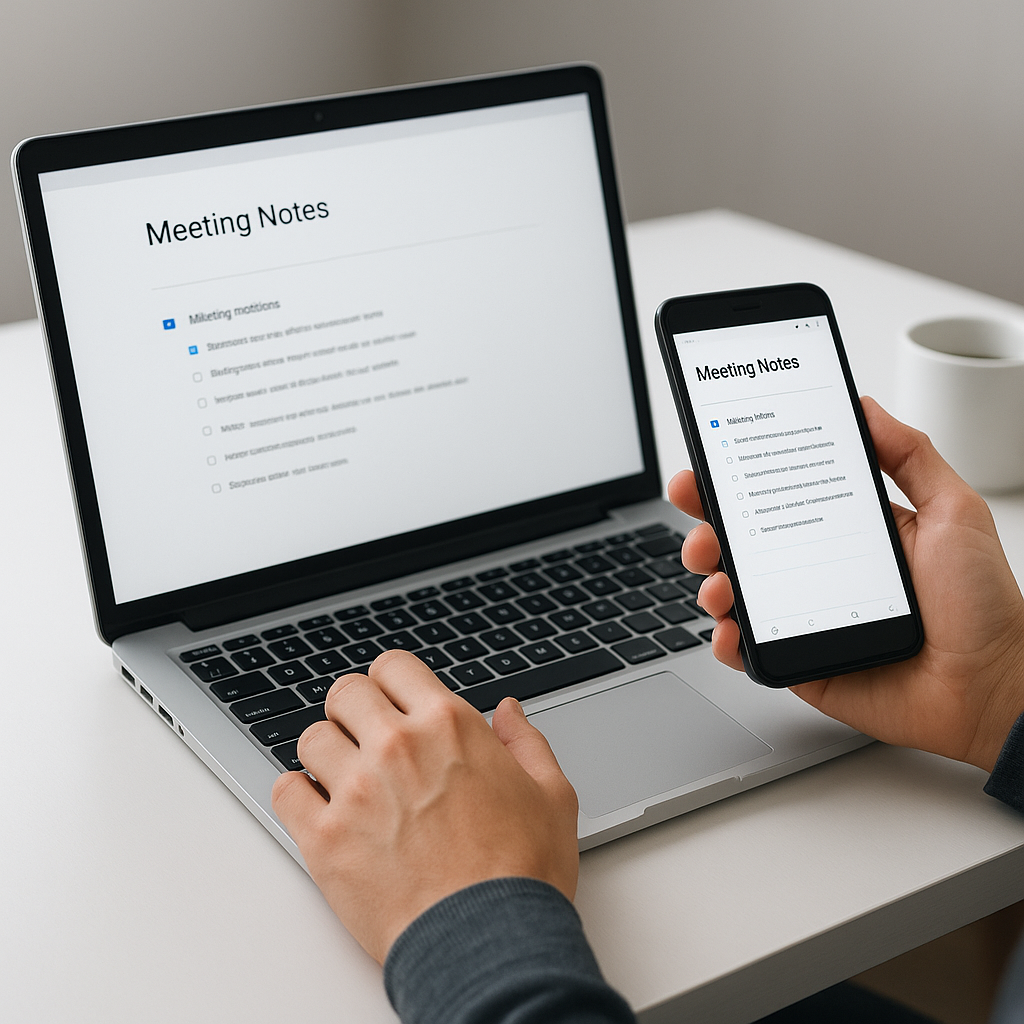
Meeting notetakers are tools designed to streamline the process of capturing notes, action items, and summaries during meetings. Recently, Wispr Flow announced the launch of its new notetaker, which will function similarly to Granola’s system. This post will explore what makes this technology significant and how developers can leverage it in their workflows.
What Is a Meeting Notetaker?
A meeting notetaker refers to software designed to automatically transcribe, summarize, and manage meeting notes and action items. Wispr Flow’s notetaker aims to enhance productivity by capturing meeting audio, processing it, and generating actionable insights without requiring user intervention during the meeting. With the rise of remote work and virtual meetings, such tools have become invaluable.
Why This Matters Now
The demand for effective meeting management tools is surging due to the increasing reliance on virtual meetings. As noted by Wispr Flow’s recent announcement, their notetaker will compete with existing solutions like Granola and Otter, offering features such as live transcription and AI-generated summaries. Developers should care about this technology because it addresses the challenges of information overload and the inefficiencies of manual note-taking. As companies continue to adapt to hybrid working environments, the integration of AI in meeting management is becoming a necessity.
Technical Deep Dive
Wispr Flow’s notetaker utilizes advanced audio processing and natural language processing (NLP) techniques to deliver seamless meeting experiences. Below is a breakdown of its core functionalities:
- Audio Capture: The notetaker uses system audio to capture conversations without joining the meeting. This ensures privacy and reduces interruptions.
- Transcription: Using speech recognition algorithms, the tool transcribes conversations in real-time, allowing users to follow along visually.
- Action Item Generation: Based on the transcription, the notetaker identifies key action items and highlights them for easy reference.
- Searchable Meeting History: Users can query past meetings, leveraging AI to find relevant information quickly.
Here’s an example of how a simple transcription command might look in Python using the speech_recognition library:
import speech_recognition as sr

# Initialize recognizer
recognizer = sr.Recognizer()

# Capture audio from the microphone
with sr.Microphone() as source:
    print("Listening...")
    audio = recognizer.listen(source)

# Transcribe audio to text
try:
    transcript = recognizer.recognize_google(audio)
    print("Transcript: ", transcript)
except sr.UnknownValueError:
    print("Sorry, I could not understand the audio.")
except sr.RequestError:
    print("Could not request results from Google Speech Recognition service.")
This code captures audio from a microphone and transcribes it using Google’s speech recognition service. While Wispr Flow’s technology is likely more sophisticated, this example illustrates the basic principles behind audio processing in notetaking applications.
Real-World Applications
1. Corporate Meetings
Companies can integrate Wispr Flow’s notetaker to automatically generate minutes for meetings, significantly reducing administrative workload.
2. Academic Lectures
Students and educators can use the notetaker to capture lecture content and discussions, fostering better study habits and retention of information.
3. Remote Team Collaboration
Remote teams can utilize the tool to ensure that all members have access to accurate meeting summaries, improving communication and accountability.
4. Project Management
Project managers can implement the notetaker to track action items and decisions made during project meetings, enhancing project oversight.
What This Means for Developers
Developers should consider leveraging meeting notetakers to optimize their workflows. Here are some actionable insights:
- Integration: Explore API integrations that allow embedding of notetaking functionalities within existing applications.
- Data Handling: Understand how to manage and secure meeting data, ensuring compliance with privacy regulations.
- Customization: Consider customizing notetaking solutions to fit specific team needs, such as specialized action item tracking.
- AI Utilization: Enhance applications with AI features that can analyze meeting content for insights or trends.
💡 Pro Insight: As AI continues to evolve, the future of meeting notetaking will likely integrate more advanced AI models that not only transcribe but also analyze meeting dynamics, providing contextual insights that can shape decision-making.
Future of Meeting Notetakers (2025–2030)
As we look to the future, meeting notetakers are expected to become more sophisticated, incorporating features such as sentiment analysis and predictive analytics. By 2030, we may see systems that not only capture words but interpret emotions and intentions behind them, enhancing collaboration and engagement during meetings. The rise of multi-language support will also broaden their applicability in global teams, making these tools essential in diverse work environments.
Challenges & Limitations
1. Privacy Concerns
Meeting notetakers raise significant privacy issues, particularly when handling sensitive information. Developers must ensure compliance with data protection regulations.
2. Accuracy of Transcription
While transcription technology has advanced, inaccuracies still occur, especially with different accents or technical jargon. Continuous improvements in AI models are essential.
3. User Adoption
Teams may resist adopting new technologies due to uncertainty about their effectiveness. Clear communication of benefits and training are vital for successful implementation.
4. Integration Complexity
Integrating notetaking tools into existing workflows can pose challenges. Developers need to consider compatibility and user experience during implementation.
Key Takeaways
- Meeting notetakers like Wispr Flow enhance productivity by automating note-taking tasks.
- They provide features such as live transcription, action item generation, and searchable meeting histories.
- Real-world applications span corporate, educational, and project management settings.
- Developers should leverage meeting notetakers to optimize workflows and improve team communication.
- Future advancements may include sentiment analysis and multi-language support.
Frequently Asked Questions
What is a meeting notetaker?
A meeting notetaker is a software tool designed to automatically capture and summarize meeting content, generating actionable insights and transcripts.
How does Wispr Flow’s notetaker work?
Wispr Flow’s notetaker uses system audio to transcribe meetings in real-time, creating summaries and action items without the need for joining the meeting.
What are the benefits of using a notetaker?
Benefits include reducing the administrative burden of note-taking, improving accuracy, and ensuring all team members have access to essential information.
To stay updated on the latest developments in AI tools and technologies, follow KnowLatest for more insights and articles.


